Talk to your prices. See the answer as a chart.
Connect Pricemind to Claude, Codex, Cursor or any assistant that supports MCP. Ask in plain words who undercut you, where you lost position or what to reprice, and get the answer from your own price data, drawn as a chart.
npx add-mcp https://mcp.pricemind.io/mcpAdds the connection to the agents you pick. Then sign in with your Pricemind account.
“How do our own-brand prices compare with the cheapest alternatives on the market?” The demos use fictional data.
What you can ask
Ask a plain question, or run a whole review by name. Each one ends in charts.
Weekly review
Competitor price moves in the last 7 days, where you lost or gained position, and the 10 products to act on.
“What changed in my market this week?”
Management report
Price index, position by brand and competitor, and competitor activity, period against period.
“Prepare the Q2 pricing review.”
Promo watch
Which shops are discounting, since when, and in which categories.
“Who started cutting prices, and how deep?”
Price check
Your price, every competitor price and stock, and the price history of one product.
“How is this product priced against competitors?”
Own brand vs. market
Your own-brand products against the cheapest comparable product from other brands.
“Where is our own brand more expensive than the alternatives?”
Guided setup
Checks sign-in, finds your channels and suggests three first questions for your data.
“Set up Pricemind.”
Answers come back as charts
Pricemind draws the chart, not the assistant, so answers look consistent. Your shop is highlighted, and you can hover, filter and switch to a table.
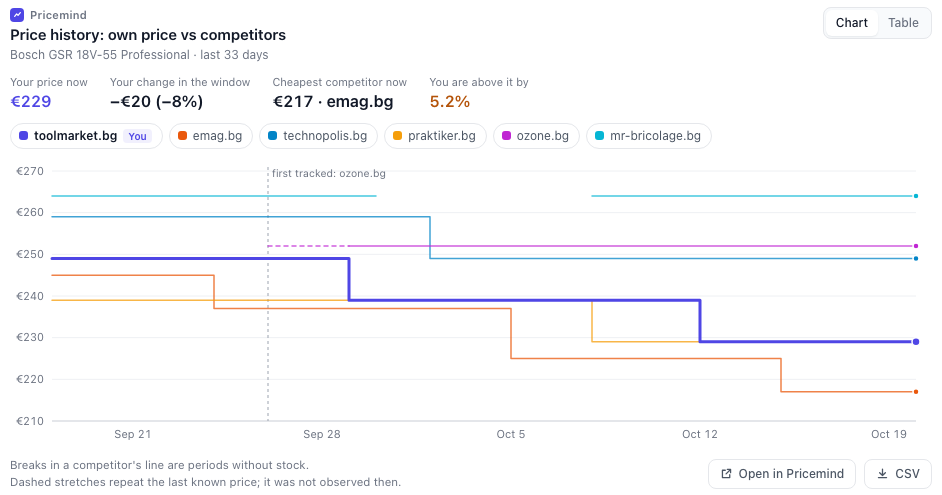
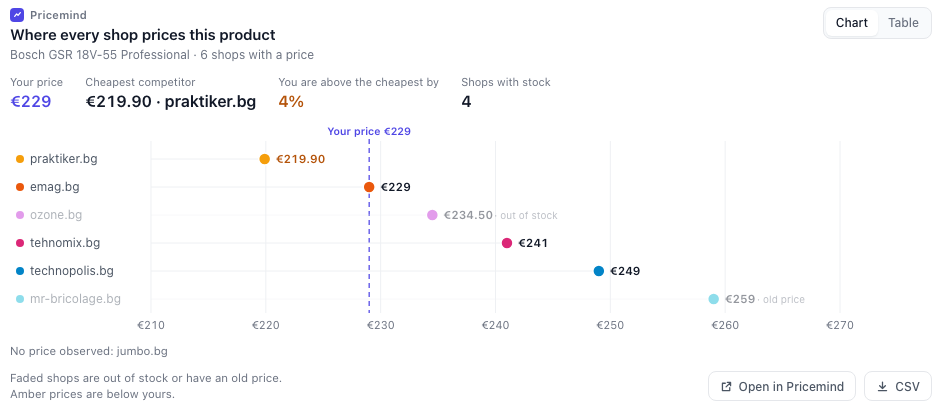
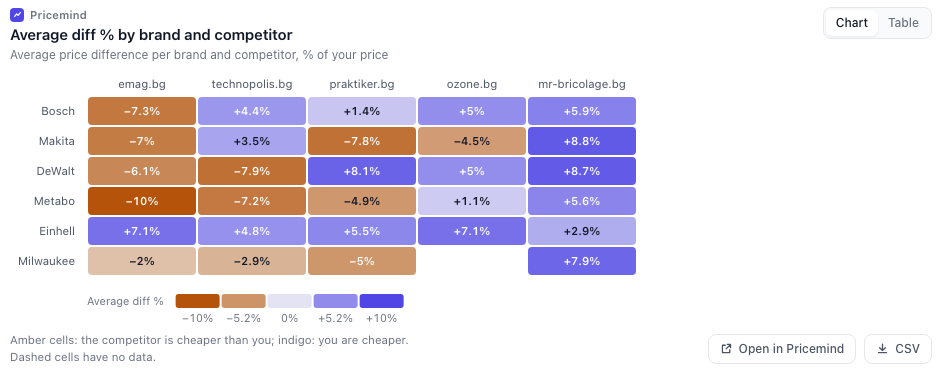
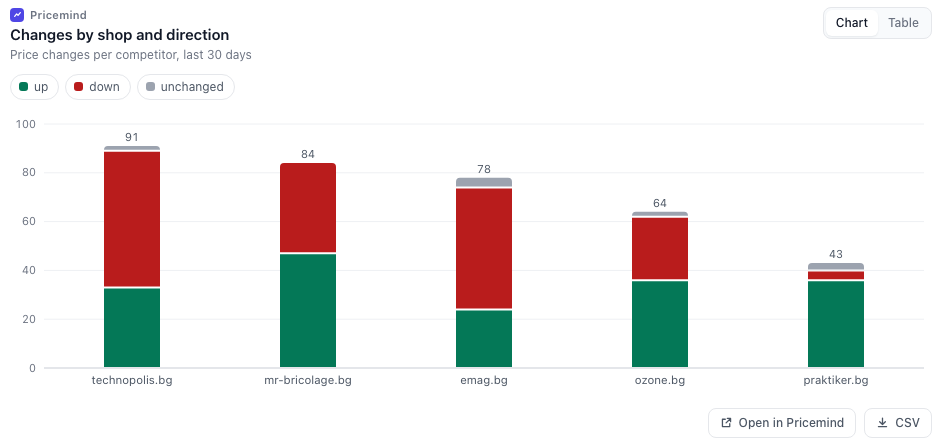
Sample data. The chart opens inside the conversation where the assistant supports interactive views, and as a page in your browser elsewhere.
Connect it in a minute
Pick your assistant. A Pricemind account administrator signs in from the assistant, with no keys to paste.
One command finds the agents on your computer (Claude Code, Codex, Cursor and more) and adds Pricemind to the ones you pick.
Run this in a terminal.
npx add-mcp https://mcp.pricemind.io/mcp --name pricemindOpen your agent and sign in with your Pricemind account when it asks.
Ask a pricing question, or say "Set up Pricemind".
This adds the connection. In Claude Code and Codex, the plugin also adds the ready-made reviews.
It asks once, then reports
The assistant works through a job without stopping at every step, and tells you what it changed.
Reading
Searches, price history and reports never need a question.
Adding
Approving matches or starting a price refresh: it does what you asked, then reports what changed and how to undo it.
Removing or changing prices
Before it removes a match or changes a pricing strategy, it asks once for the whole plan.